Release Notes / Portal / v0.3
Practitioner Portal · Release Notes
A clearer view of
your patients' moods
New visualization tools make it easier to explore how your patients have been feeling over time — and to see at a glance who is actively sharing their data with you.
01 — MOOD EXPLORATION
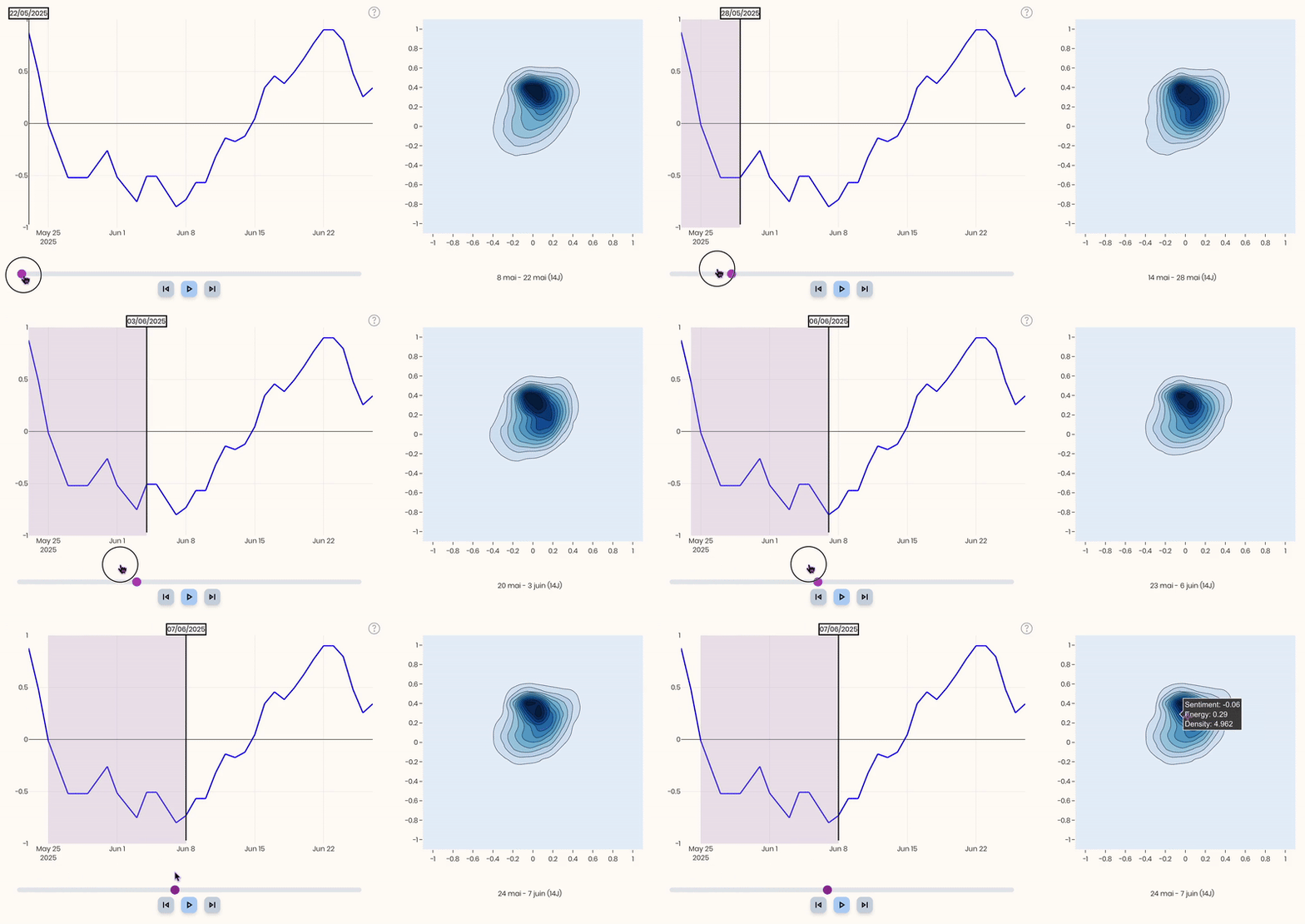
Travel through your patient's emotional history.
Use the time slider at the bottom of the chart to move through a patient's mood history. The EmoCare score and the emotional map update in sync — making it easy to spot the week before a difficult session or the recovery that followed.
02 — DATA SHARING
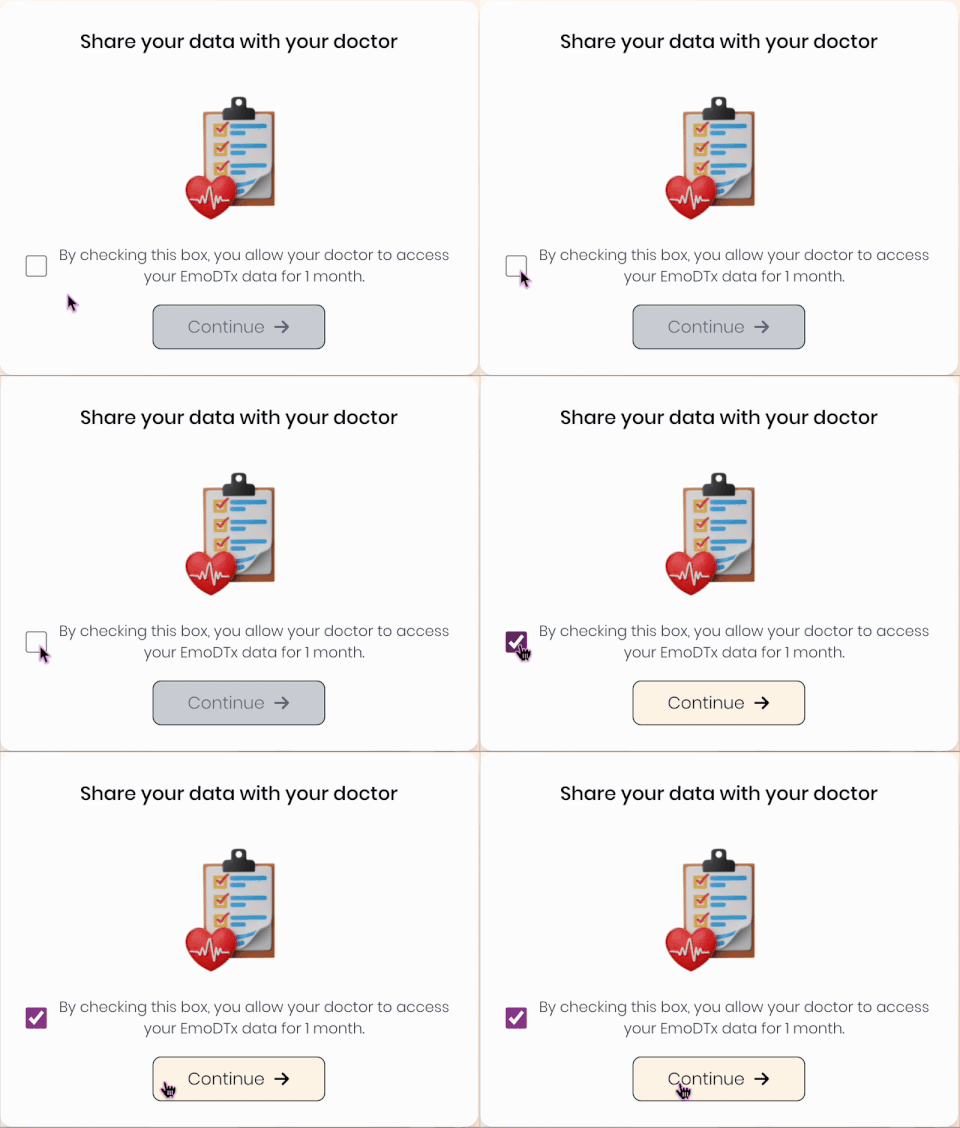
Patients control what they share, and for how long.
Patients choose whether to share their data and set the duration themselves: 14, 30, 60, or 90 days. When they share, you receive access to their dashboard and a PDF export of the EmoCare score trend. When sharing expires, access closes automatically — no action required on your side.
03 — SHARING STATUS
Who is sharing their data, at a glance.
Three eye icons in the patient list show you exactly who has active data sharing. A blue eye means active access — hover to see the days remaining. Yellow means expiring in under 3 days. Orange means no active share, and a good moment to remind your patient to re-enable it.

Also in v0.3
What's next